How results are produced
Browser time-zone data handles daylight saving for the selected date. Missing or ambiguous local times require a different selection. The same work-hour range applies to each city; public holidays are not excluded.
Worked example
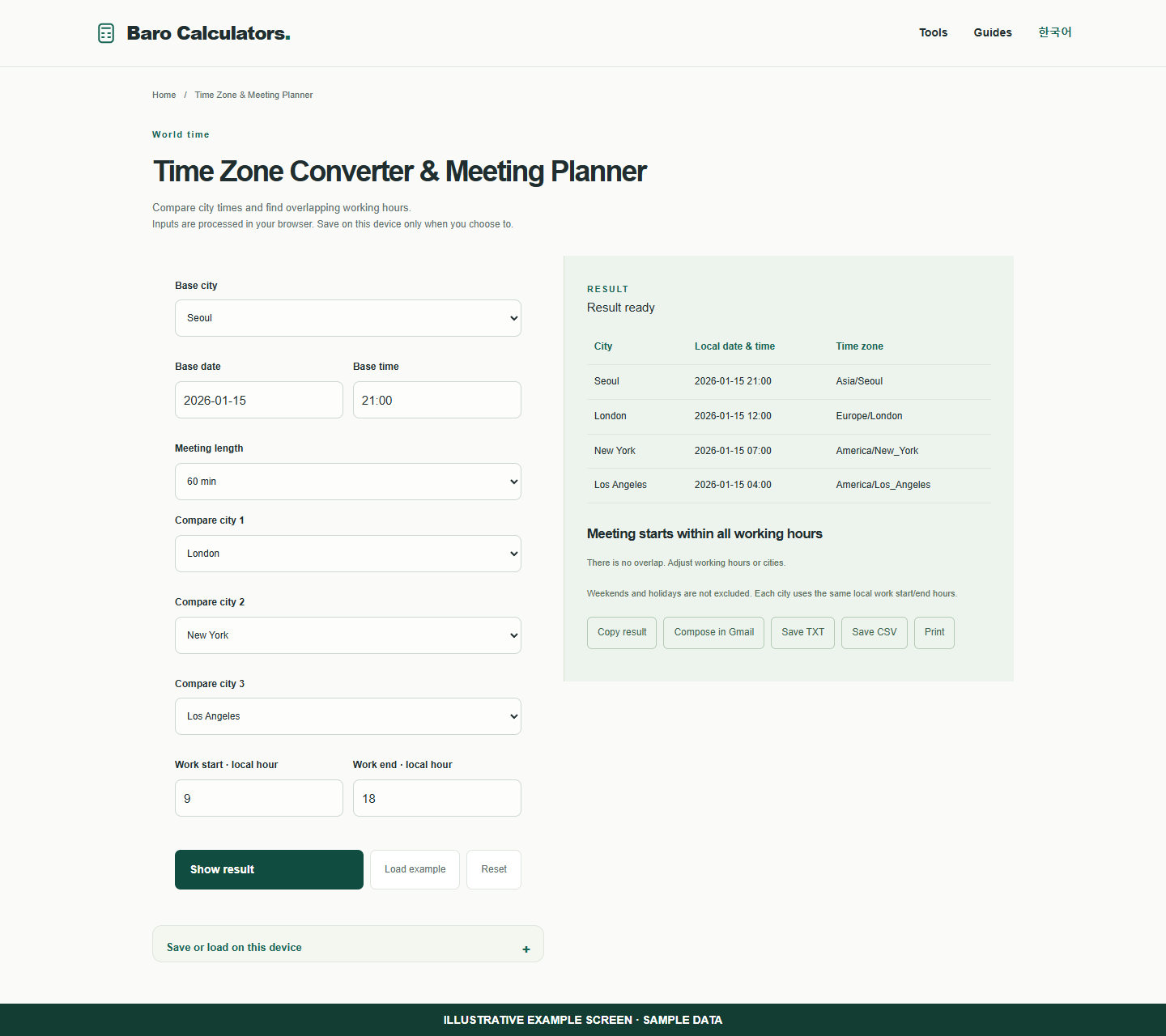
Seoul at 21:00 on January 15, 2026 is noon in London and 07:00 in New York on the same date.
How to use
- Choose a base city, date and time.
- Choose comparison cities and working hours.
- Review local dates and available meeting start times.
Check a Seoul and London meeting time
A city’s UTC offset can change during the year. Enter the meeting date along with its time.
- Choose Seoul as the base city with January 15, 2026 at 21:00.
- Compare London and New York. The displayed times are 12:00 and 07:00 on that date.
- Set the meeting length and local working-hour range to check possible overlaps.
- Review every city’s date before adding the meeting to your calendar.
Frequently asked questions
Does this require an account?
No. Processing takes place in your browser. Saving inputs on this device is optional.
How can I share a result?
Copy, download or print it. Email opens your own mail composer; you send the message yourself.