How results are produced
Characters use visible grapheme clusters. Whitespace-free counts exclude tabs and line breaks. Bytes use UTF-8. Submission platforms may count differently. Text is never automatically truncated.
Worked example
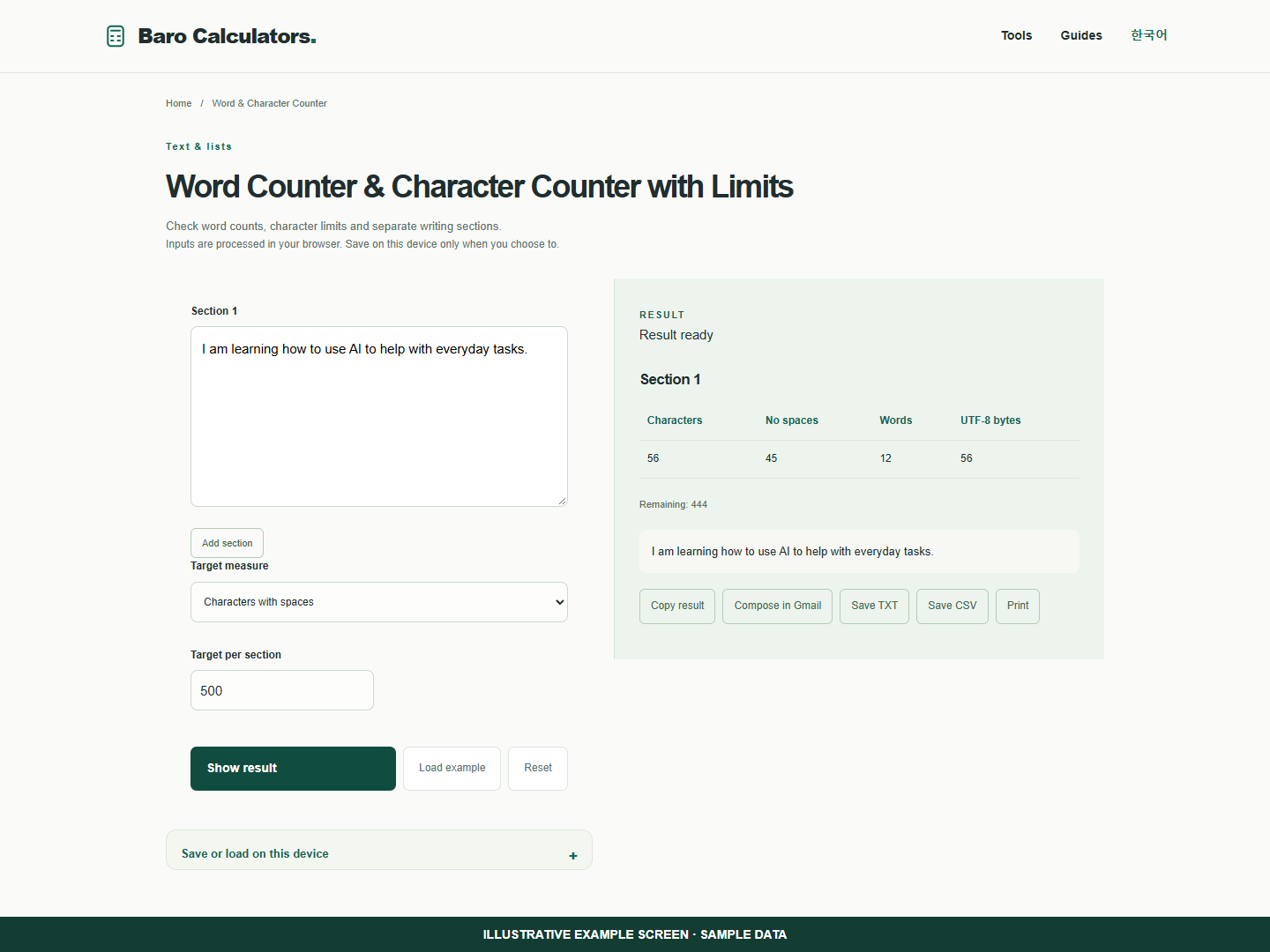
Set a 500-character target to check remaining space. Add a section to count each response separately.
How to use
- Paste text and choose characters or words.
- Set a target and add sections if needed.
- Review the highlighted overflow, then copy or save.
Check a short response against its character limit
A form may ask for characters rather than words. Choose the matching measure before editing to fit.
- Paste sample text and choose Characters with spaces.
- Enter a target of 500 to see the remaining space or highlighted overflow.
- Add another section if two responses have separate limits.
Frequently asked questions
Does this require an account?
No. Processing takes place in your browser. Saving inputs on this device is optional.
How can I share a result?
Copy, download or print it. Email opens your own mail composer; you send the message yourself.