How results are produced
One line is one entry. The first occurrence is retained and blank lines are ignored. Values stay as text, including leading zeroes.
Worked example
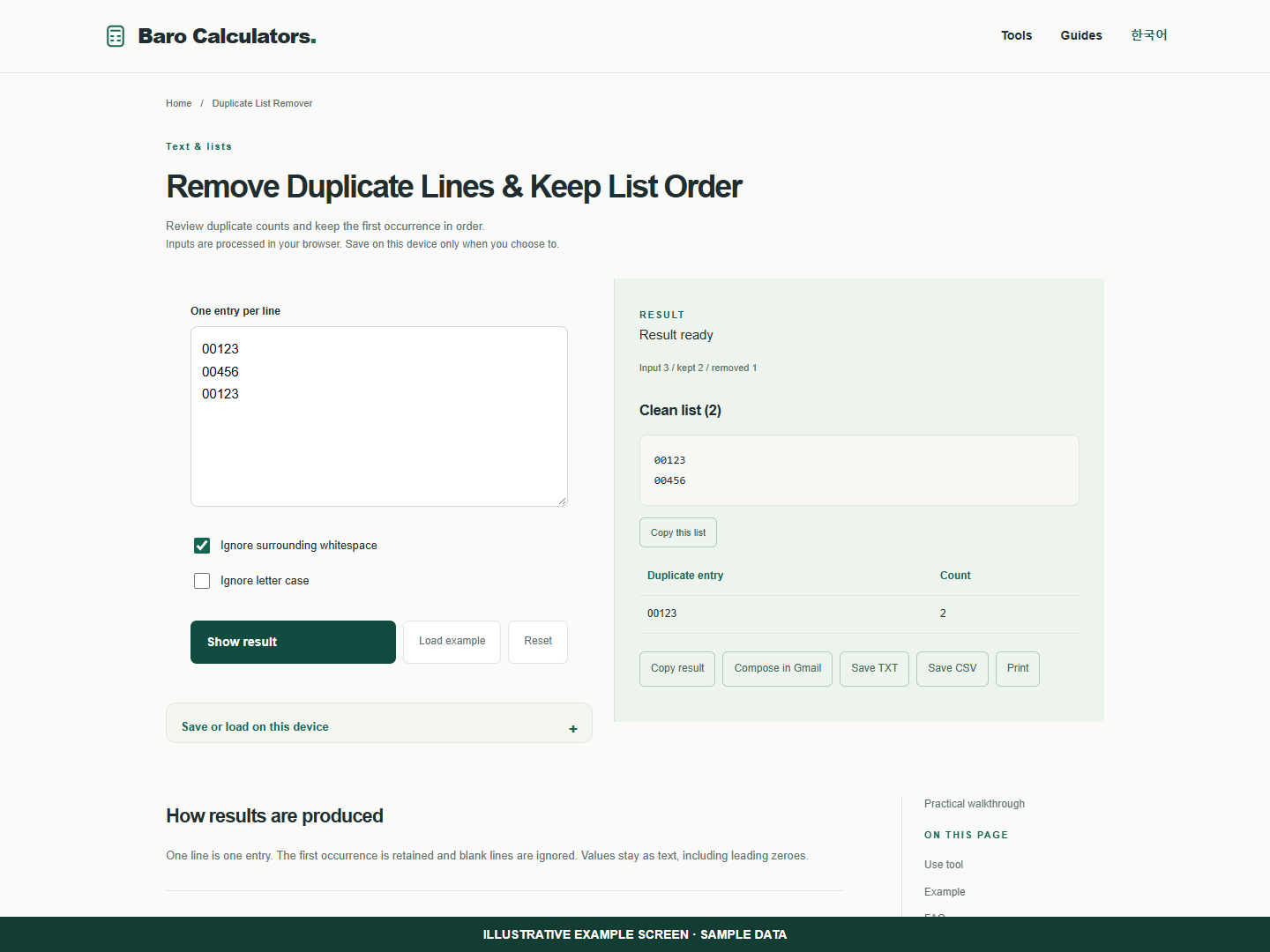
Enter 00123, 00456 and 00123 on separate lines. The result keeps 00123 and 00456 and reports two occurrences of 00123.
How to use
- Paste one spreadsheet column.
- Choose whitespace and case rules.
- Review counts and the retained list.
Remove repeated product identifiers from one column
Treat an identifier as text so its leading zeros stay visible. Review the duplicate counts before using the cleaned list.
- Paste 00123 and 00456 and 00123 on separate lines.
- Show the result. The list keeps 00123 and 00456 in their original order.
- The duplicate count records two occurrences of 00123. Use Excel CSV if you need the table in a spreadsheet.
Frequently asked questions
Does this require an account?
No. Processing takes place in your browser. Saving inputs on this device is optional.
How can I share a result?
Copy, download or print it. Email opens your own mail composer; you send the message yourself.