How results are produced
Each list is deduplicated before comparison. Common entries retain their first spelling from list A. Order is preserved.
Worked example
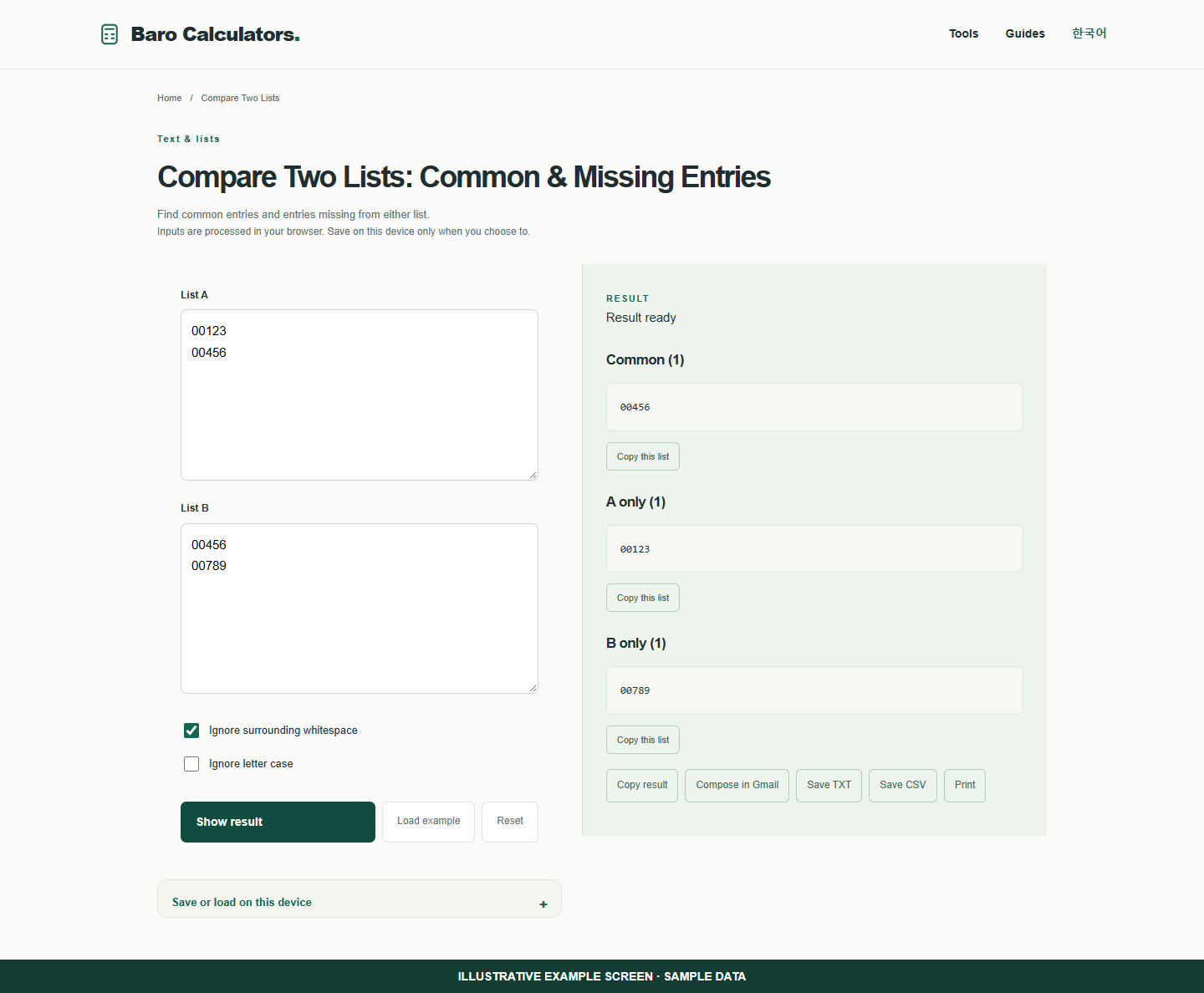
For A = 00123, 00456 and B = 00456, 00789, the common entry is 00456. A-only is 00123 and B-only is 00789.
How to use
- Enter one item per line in both lists.
- Choose comparison rules.
- Copy each result or save a spreadsheet-friendly file.
Find missing identifiers between two Excel columns
Copy one spreadsheet column into each input. This compares exact entries rather than reading a whole workbook.
- Paste 00123 and 00456 into List A on separate lines.
- Paste 00456 and 00789 into List B.
- Show the result. Common is 00456. A-only is 00123 and B-only is 00789.
- Copy the group you need or export the result as Excel CSV.
Frequently asked questions
Does this require an account?
No. Processing takes place in your browser. Saving inputs on this device is optional.
How can I share a result?
Copy, download or print it. Email opens your own mail composer; you send the message yourself.