How results are produced
Only selected whitespace rules are applied. Spelling and meaning are not rewritten. The original is retained for undo.
Worked example
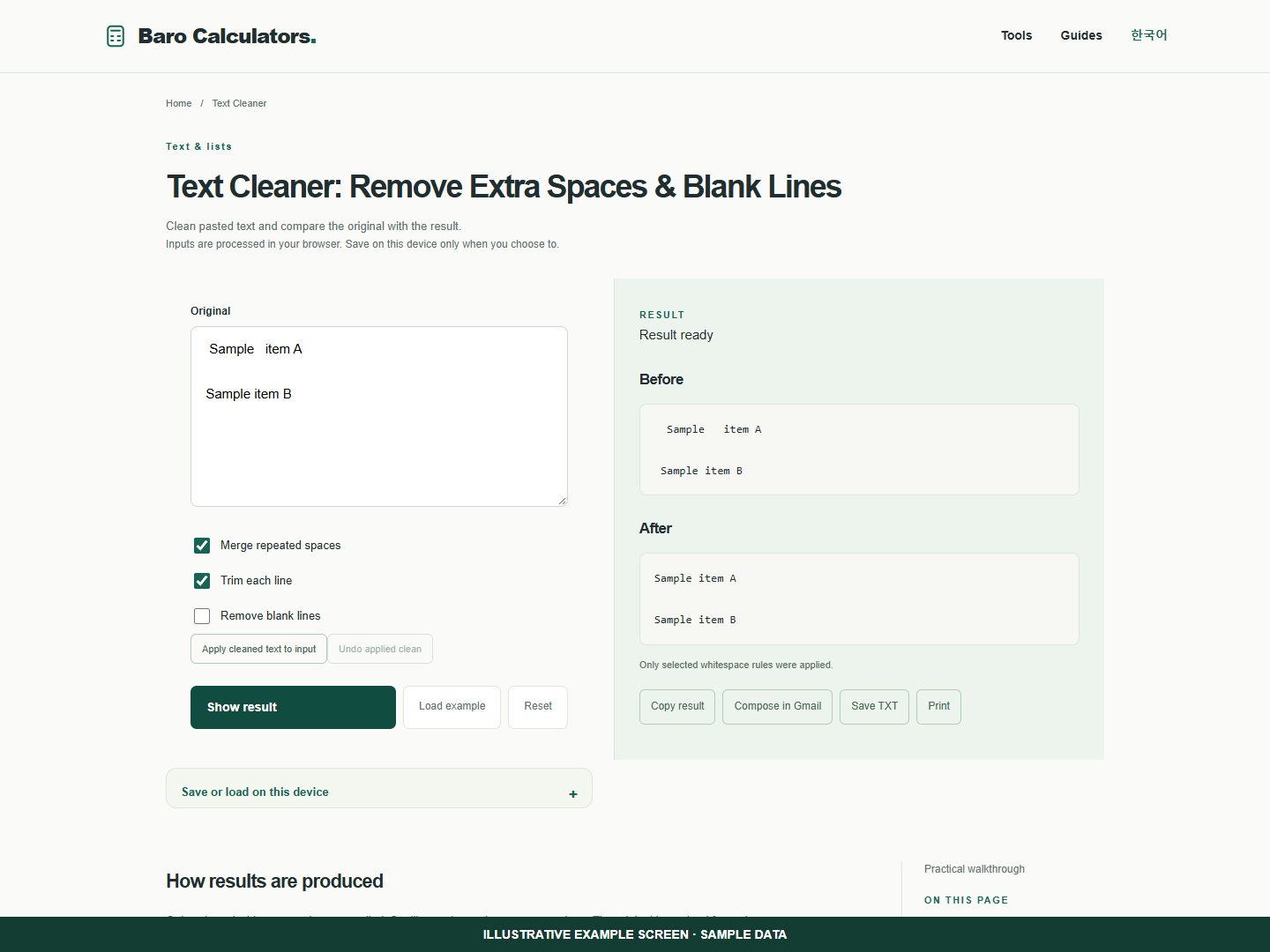
With merge spaces and trim lines selected, “ Sample item A ” becomes “Sample item A”.
How to use
- Paste the original.
- Choose whitespace rules.
- Compare and copy the cleaned result.
Clean spacing after copying text between documents
Check which whitespace you want to change before applying the cleaned version to your original input.
- Paste a sample with repeated spaces and select Merge repeated spaces and Trim each line.
- Show the result. A line reading " Sample item A " becomes "Sample item A".
- Compare both panels. Apply the cleaned text only when it matches what you intended.
- Use Undo applied clean to restore the input after applying it.
Frequently asked questions
Does this require an account?
No. Processing takes place in your browser. Saving inputs on this device is optional.
How can I share a result?
Copy, download or print it. Email opens your own mail composer; you send the message yourself.