How results are produced
These are static QR codes containing your input directly. They cannot be edited after printing and do not track scans. A Wi-Fi password is visible to anyone who reads the code.
Worked example
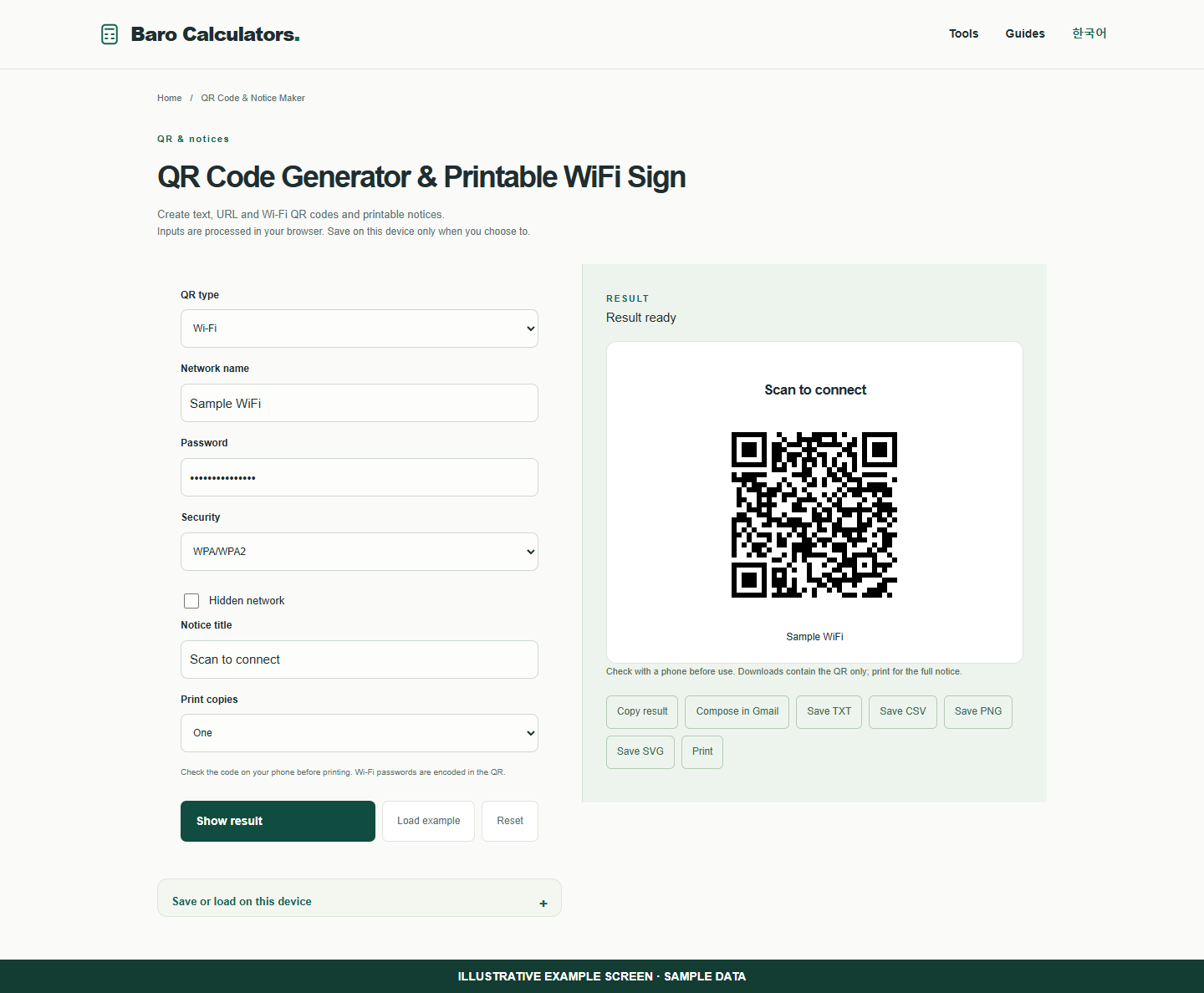
Enter the fictional network Sample WiFi to create a connection notice. Check it with a phone before printing.
How to use
- Choose text/URL or Wi-Fi.
- Enter content and a notice title.
- Preview and save PNG or SVG.
- Use the print layout for paper copies.
Make a guest WiFi sign for a desk or reception area
Use a fictional network to try the layout. For your actual sign enter the network details you intend guests to use.
- Choose Wi-Fi and enter the sample network Sample WiFi with its sample password.
- Set the notice title and select one, two or four print copies.
- Show the result. Check your actual code with a phone before printing the final sign.
Frequently asked questions
Does this require an account?
No. Processing takes place in your browser. Saving inputs on this device is optional.
How can I share a result?
Copy, download or print it. Email opens your own mail composer; you send the message yourself.