How results are produced
Team sizes differ by at most one. Together constraints are transitive. If the search cannot find a valid arrangement, simplify the constraints; no rule is silently ignored.
Worked example
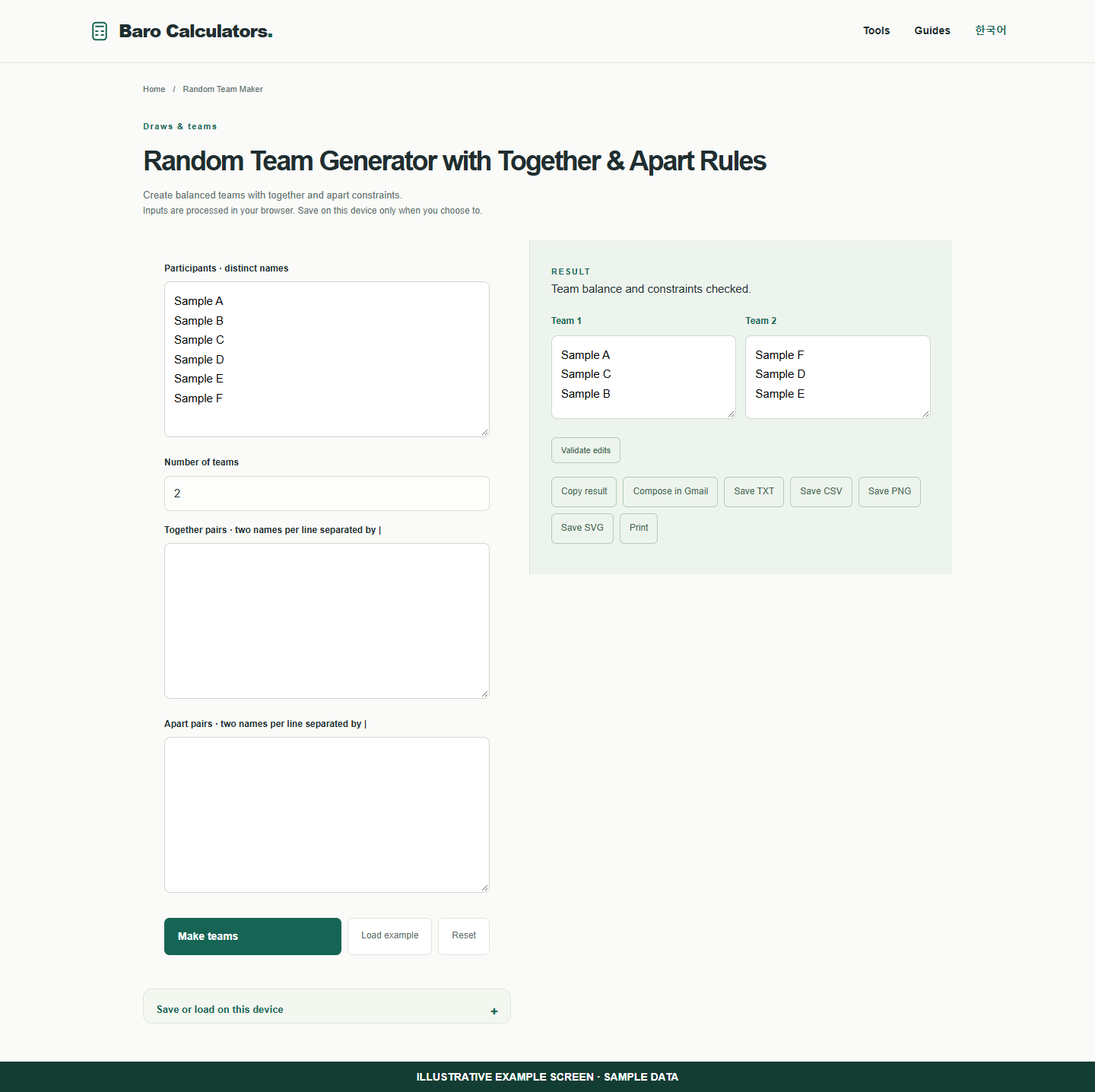
Six fictional participants in two teams produces three per team. Add together or apart pairs as needed.
How to use
- Enter distinct names.
- Set team count and optional constraints.
- Review the arrangement and constraint checks.
Make teams while keeping a chosen pair together
Pair rules can help a group activity. Some combinations of rules cannot fit the team sizes you choose.
- Enter distinct sample names and choose the number of teams.
- Optionally enter a pair in the together or apart setting. Make the teams.
- Review the assignments. If you edit a team manually use the validation button before exporting.
Frequently asked questions
Does this require an account?
No. Processing takes place in your browser. Saving inputs on this device is optional.
How can I share a result?
Copy, download or print it. Email opens your own mail composer; you send the message yourself.